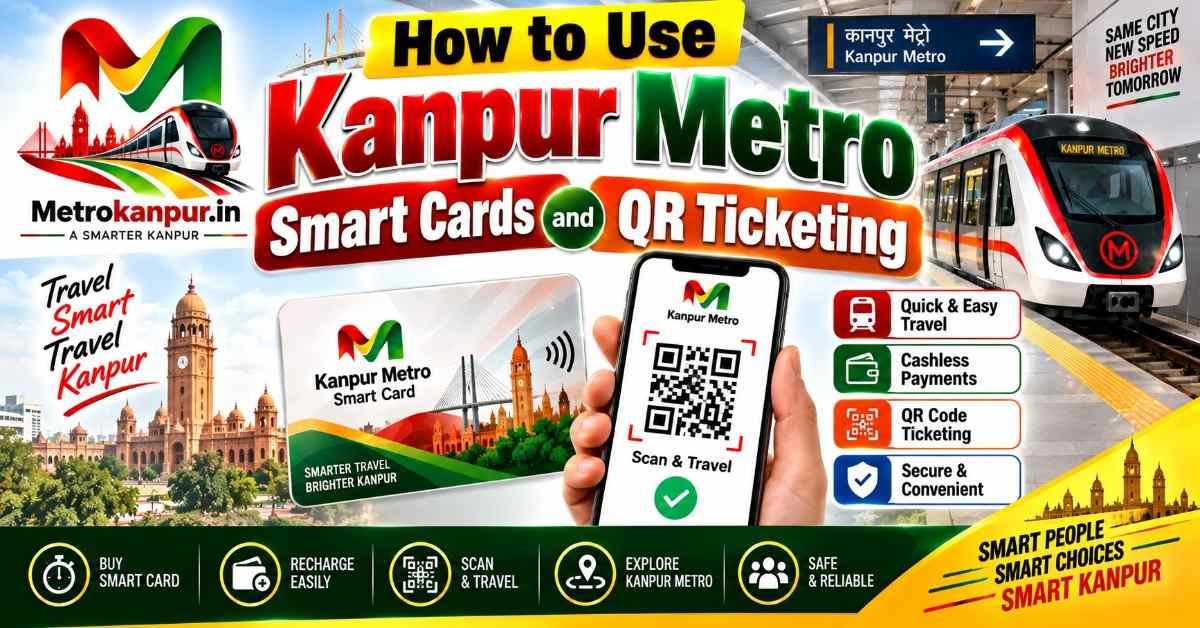
How to Use Kanpur Metro Smart Cards and QR Ticketing
Direct Answer & Key Takeaways
To ride the Kanpur Metro, you can use a GoSmart Card, a paper QR ticket, or a digital QR code on your smartphone. The GoSmart Card offers a 10% discount on every trip. Simply tap your card or scan your QR code on the automatic glass scanner at the entry gate, take your ride, and tap or scan again to exit.
Welcome to the Kanpur Metro Ticketing Guide 2026
Hello friends! Travelling in the Kanpur Metro is super fun and easy. But before you can sit on the cool train, you need a ticket to open the automatic doors (gates). In this simple guide, we will learn how to buy and use the GoSmart Card and QR code tickets like a pro!
You do not need to worry if it is your very first time at a metro station. We have written this guide in very easy English so that any school student can understand how the machines and gates work.
Smart Card vs QR Ticket: Which is Best for You?
There are different ways to pay for your journey. Let us look at this table to see which ticket fits your daily travel best:
| Ticket Type | Best For | Special Benefit |
|---|---|---|
| GoSmart Card | Daily travellers, students, and office workers | 10% Discount on every ride + No waiting in line |
| Mobile QR Ticket | People who love using their smartphones | 100% paperless + Buy directly from your phone |
| Paper QR Ticket | One-time visitors and occasional travellers | Easy to buy with cash or UPI at the counter |
| NCMC Bank Card | People carrying modern RuPay debit/credit cards | Tap directly without buying a separate metro card |
How to Use the GoSmart Card (Step-by-Step)
The GoSmart card is a shiny plastic card that looks just like a bank ATM card. It saves your time and gives you a discount. Here is how you use it:
| Step | Action | What to Do |
|---|---|---|
| Step 1 | Buy the Card | Go to the Customer Care or Ticket Counter. Pay the card fee and initial recharge amount to get your card. |
| Step 2 | Recharge Balance | You can recharge it with ₹100, ₹200, or more at the counter, ticket vending machine, or online. |
| Step 3 | Entry (Tap In) | Touch your card on the round sensor on the entry gate. The machine makes a "Beep" sound, and the flap doors open. |
| Step 4 | Exit (Tap Out) | When you reach your destination, touch the card on the exit gate. The money is automatically deducted with a 10% discount! |
How to Use QR Code Tickets (Paper & Mobile App)
If you do not have a smart card, you can easily use QR codes. A QR code is a small square image with black and white patterns. Here is how both paper and digital QR tickets work:
| Method | How to Get It | How to Scan at the Gate |
|---|---|---|
| Paper QR Slip | Buy it from the ticket counter or automatic vending machine using cash or UPI. | Place the paper flat on the illuminated glass window of the gate until the green light flashes and doors open. |
| Mobile QR Code | Open the official Kanpur Metro app, choose your destination station, and pay online. | Increase your phone's screen brightness, hold the phone screen over the glass scanner, and walk through. |
Important Rules to Avoid Fines and Troubles
To keep the station running smoothly and avoid paying penalty money, please keep these rules in mind:
| Rule / Situation | Important Instruction |
|---|---|
| Keep Your Paper Ticket Safe | Do not crush or throw your paper ticket! You need to scan the exact same slip to exit the station. |
| Entry Time Limit | After buying a paper QR ticket, you must enter the gate within 30 minutes. |
| Stay Limit Inside Station | You have a maximum time limit (about 90 minutes) to finish your trip and exit. Staying longer causes an overstay fine. |
| One Card per Person | Two people cannot share the same smart card for one ride. Every person must have their own card or ticket. |
| Minimum Balance Needed | Always maintain at least the minimum fare (₹10 to ₹20) on your smart card, or the entry gate will not open. |
Conclusion
Using Kanpur Metro smart cards and QR ticketing is fast, clean, and modern. If you travel every day, grab a GoSmart Card to save money with the 10% discount. If you are visiting for a day, pick a paper or mobile QR ticket. Next time you head to the station, walk right up to the gate, scan your code or tap your card, and enjoy your smooth journey!
Frequently Asked Questions
Instant answers regarding this update & metro guidelines
Question: Where can I buy a Kanpur Metro GoSmart card? ▼
Question: How much discount do I get using the GoSmart Card? ▼
Question: How do I scan a paper QR ticket at the metro gate? ▼
Question: Can I use a digital QR code from my mobile phone? ▼
Question: Can two people travel together on a single GoSmart card? ▼
Question: What should I do if my paper QR ticket does not scan? ▼
Question: What is the minimum balance needed on a GoSmart card to enter? ▼
Question: How long is a paper QR ticket valid after buying it? ▼
Question: What happens if I lose my paper ticket during the journey? ▼
Question: How can I recharge my Kanpur Metro smart card? ▼
Question: Can I use my bank NCMC debit card to enter the Kanpur Metro? ▼
Question: Do small children need a smart card or ticket? ▼
Question: How much time do I get to finish my journey and exit the station? ▼
Question: What should I do if the gate doesn't open after tapping my card? ▼
Question: Can I return my GoSmart card and get a refund? ▼
Related Search Tags